
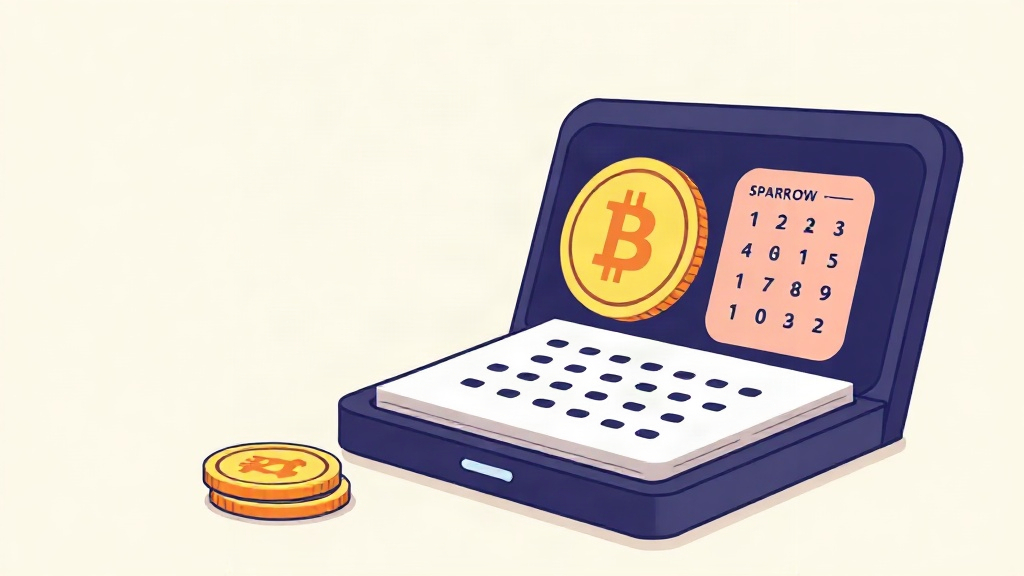
In the evolving landscape of Bitcoin privacy tools, users often find themselves weighing the strengths of different wallet ecosystems. Wasabi Wallet has long been celebrated for its built-in CoinJoin capabilities and straightforward privacy model, while Sparrow offers a highly customizable, desktop-first experience with robust fee control and hardware wallet integration. For many Bitcoiners, the question isn't which wallet is superior, but how to move securely between them. This guide walks you through the practical steps of exporting your Wasabi Wallet 2.0 data and importing it into Sparrow, ensuring your funds remain safe and your privacy posture intact.
Understanding the Core Differences Between Wasabi and Sparrow
Wasabi Wallet operates as a full-node Bitcoin wallet with a strong focus on privacy through its integrated CoinJoin coordinator. Its interface is streamlined for simplicity, and it handles seed phrase management internally. Sparrow, on the other hand, is a desktop-oriented wallet that prioritizes user control, detailed transaction editing, and seamless hardware wallet support. It does not include built-in CoinJoin, but its flexibility makes it a favorite among power users who want granular control over fee estimation, RBF settings, and address labeling. Understanding these foundational differences helps clarify why you might want to export your Wasabi data rather than simply switching interfaces.
Preparing Your Wasabi Wallet for a Secure Export
Before initiating any transfer, safety must come first. Always ensure your Wasabi Wallet is running the latest version (2.0 at the time of writing) and that your seed phrase is backed up securely. Exporting private keys or seed phrases should only be done on a clean, malware-free computer. Disable any remote access tools, and consider using a dedicated machine for cryptographic operations. Once you've confirmed your seed phrase is safely written down or stored in an encrypted password manager, you can proceed with the export process with confidence.
Step-by-Step: Exporting Data from Wasabi Wallet 2.0
Wasabi Wallet 2.0 makes the export process relatively straightforward, but attention to detail is crucial. Follow these steps:
- Open Wasabi Wallet and navigate to the Settings menu.
- Select the Wallets tab and choose the specific wallet you wish to export.
- Click on the Export or Backup option, depending on your version.
- You will be prompted to enter your wallet password. This encrypts the export file, adding a layer of security.
- Save the exported file (typically a .wasabi or .json format) to a secure location, such as an encrypted USB drive.
- Alternatively, you can manually record your 24-word seed phrase. Write it down on paper, never store it digitally unless encrypted, and keep it in a physically secure place.
Remember, the seed phrase is the master key to your funds. Anyone who gains access to it can control your entire Bitcoin balance. Handle it with the utmost care.
Importing Your Seed Phrase into Sparrow Wallet
Once you have your seed phrase or exported private keys ready, importing into Sparrow is a matter of a few clicks. Sparrow supports standard BIP39 seed phrase import, making the transition smooth.
- Download and install the latest version of Sparrow Wallet from the official website.
- Launch Sparrow and select Create new wallet or Import wallet from the main screen.
- Choose the option to import using a BIP39 seed phrase.
- Carefully enter your 24-word Wasabi seed phrase in the exact order. Double-check for typos, as a single incorrect word will result in a different wallet derivation.
- Sparrow will then derive the accounts and addresses associated with your seed. You can choose to enable or disable hardware wallet integration at this stage.
- Once the import completes, verify that your Bitcoin balance appears correctly. Send a small test transaction to confirm full functionality before moving larger amounts.
Sparrow’s interface will now treat your imported wallet exactly as if it were created natively within the app, giving you access to its full suite of fee controls, transaction labeling, and custom RPC settings.
Practical Tips for a Seamless Migration
- Verify addresses before sending. After import, compare the first and last addresses shown in Sparrow with those in Wasabi to ensure derivation paths match.
- Keep both wallets running temporarily. Run Wasabi and Sparrow side-by-side for a few days to confirm balances, transaction history, and incoming payments are consistent.
- Update your software. Always run the latest versions of both Wasabi and Sparrow to benefit from security patches and compatibility improvements.
- Secure your export files. If you export a keystore file from Wasabi, encrypt it with a strong password and store it in a separate location from your seed phrase.
- Test with small amounts. Before transferring significant funds, perform a test transaction of a few satoshis to verify the import worked flawlessly.
These practical steps minimize risk and help you maintain uninterrupted access to your Bitcoin while leveraging Sparrow’s advanced features.
Migrating from Wasabi Wallet 2.0 to Sparrow doesn't have to be daunting. By understanding the core differences between the two platforms, carefully preparing your seed phrase, and following the export and import steps outlined above, you can transition smoothly while preserving your fund security and privacy. Sparrow’s desktop flexibility and granular control can complement Wasabi’s privacy-focused design, giving you the best of both worlds. As always in the Bitcoin space, self-custody comes with responsibility—take the time to double-check every step, keep your recovery data offline, and never rush a transaction without verification. With these precautions in place, you'll enjoy a seamless wallet migration and continue your journey toward financial sovereignty.